Sounds for every kind of sleeper
More than fifty built-in alarm sounds in six categories, from a gentle piano to a loud siren. Pick one for each alarm.
- Classic
- Aggressive
- Motivational
- Melodic
- Calm
- Nature
 Ryze Up
 keeps re-ringing, for as long as you set, until you complete a small real-world mission. Do a few push-ups, find something blue, take a photo of the sky. Then your day is already off to a good start.
Features
A calm, simple app with the details that make getting up easier.
More than fifty built-in alarm sounds in six categories, from a gentle piano to a loud siren. Pick one for each alarm.
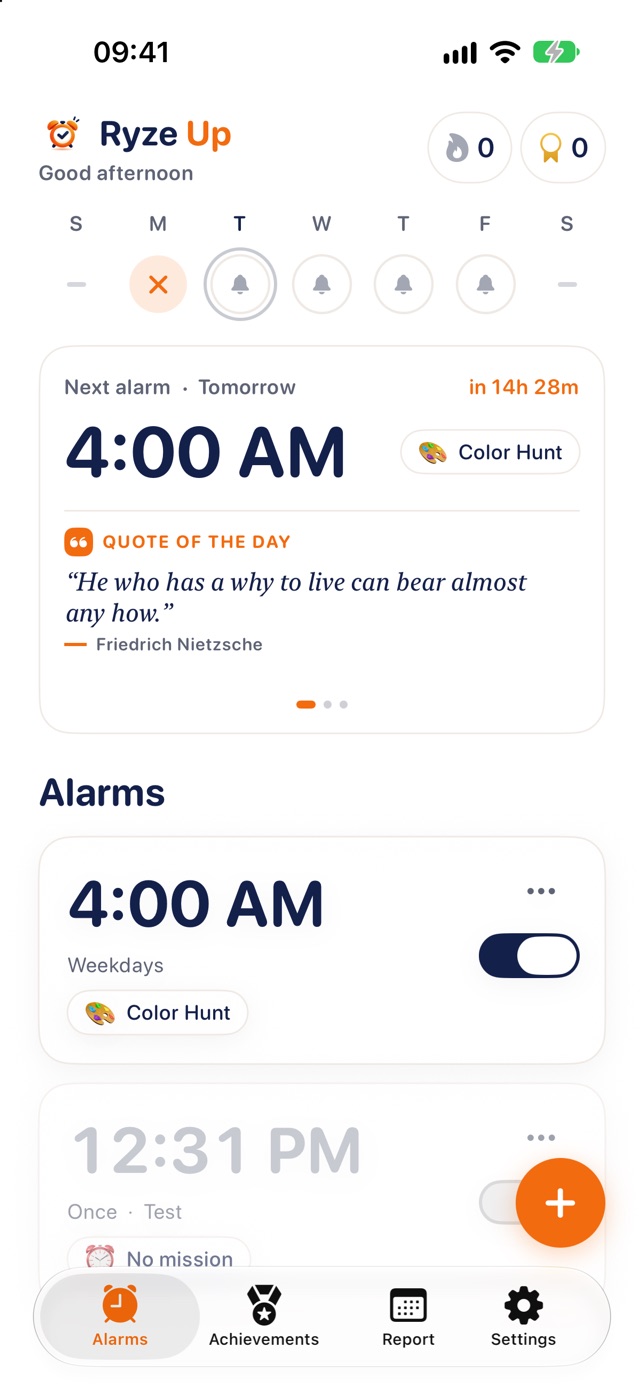
A calendar of the mornings you got up, plus your streak.
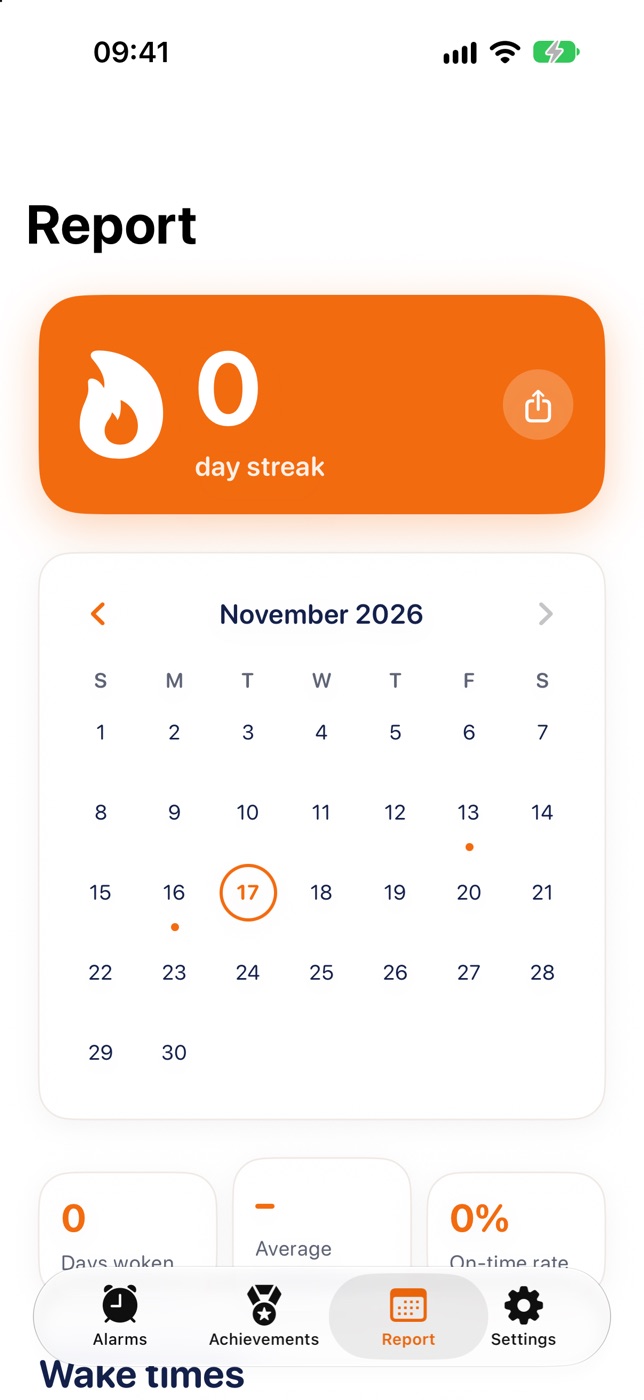
Seventeen badges to unlock: six streak milestones and eleven achievements.
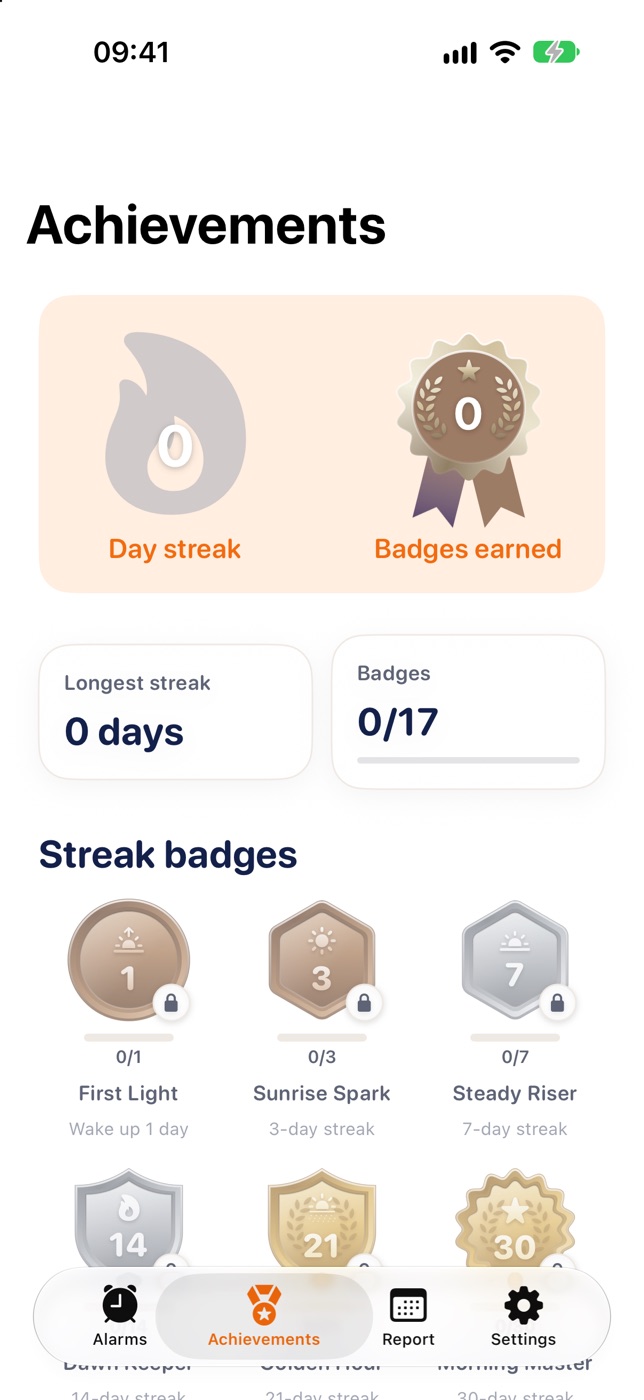
One short line under your clock every day. Tap in Settings to see how to add it.
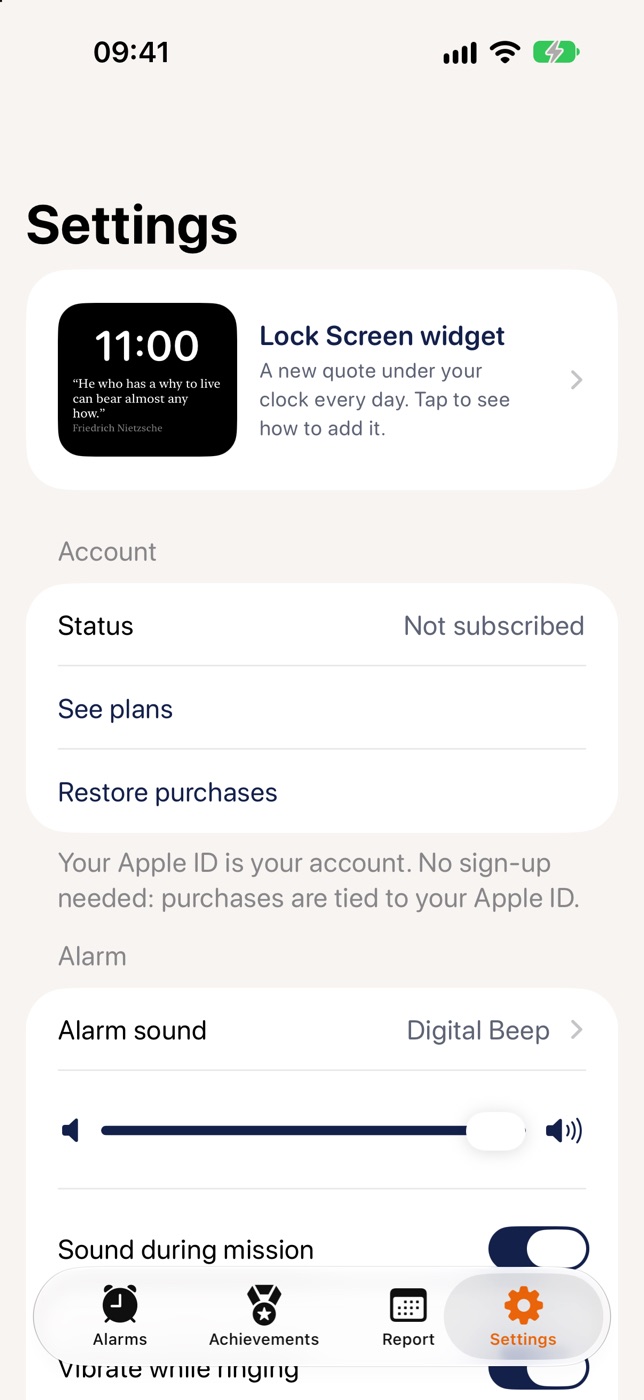
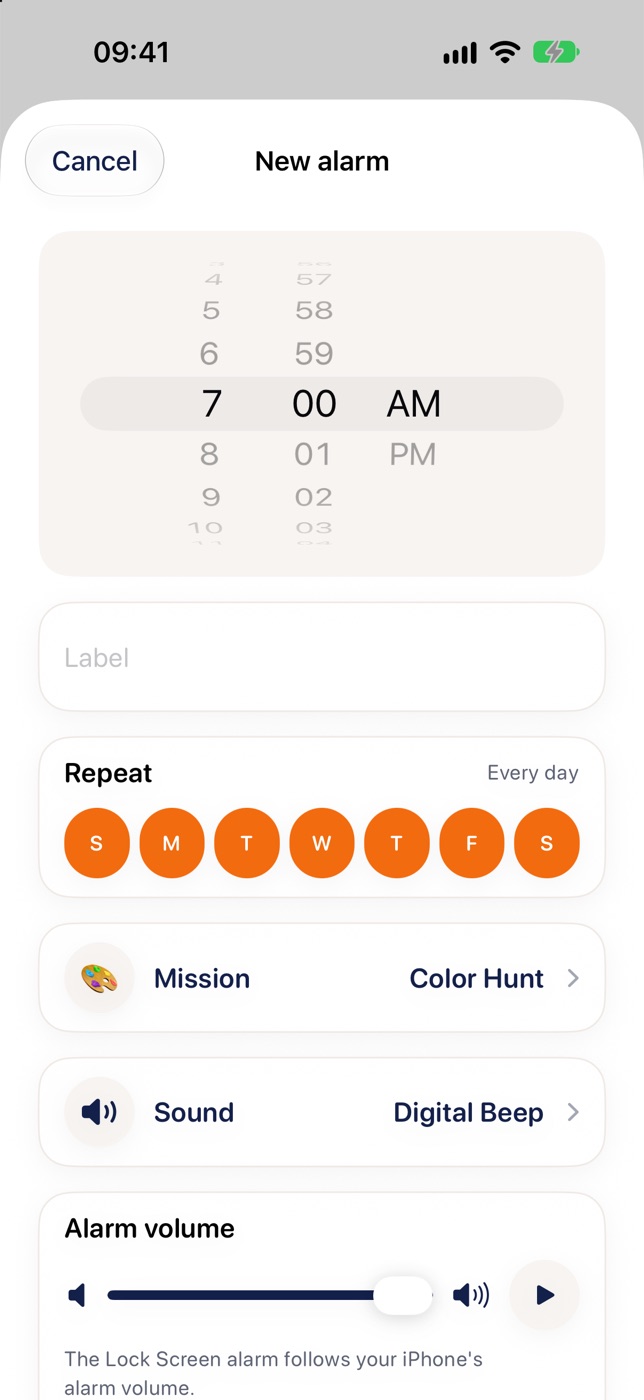
Choose the time, repeat days, mission, sound and volume for every alarm.
Alarms are scheduled with Apple’s AlarmKit, so they are designed to ring on the Lock Screen, in Silent mode and Focus, without the app staying open. Phones can still fail, so add a backup alarm for anything critical.
Quote of the day, motivation and a daily affirmation, shown right in the app and on your Lock Screen.
“He who has a why to live can bear almost any how.”Friedrich Nietzsche
Switch the app language any time in Settings.
If the camera is not available or not allowed, a short Math challenge steps in, so a camera problem does not leave you stuck on a ringing alarm.
How it works
No snooze spiral. Just a small mission between you and a good start.
Pick a time, repeat days, a sound and one mission. It takes a few seconds.
Your alarm uses Apple’s AlarmKit, so it is designed to ring when your phone is locked and does not need the app to stay open.
You decide whether snooze is on, how many minutes it lasts and how many times you can use it. After that, the mission is the way out.
Show the camera what it asks for. Pictures are checked on your device and never stored or sent. No camera? A quick Math challenge steps in.
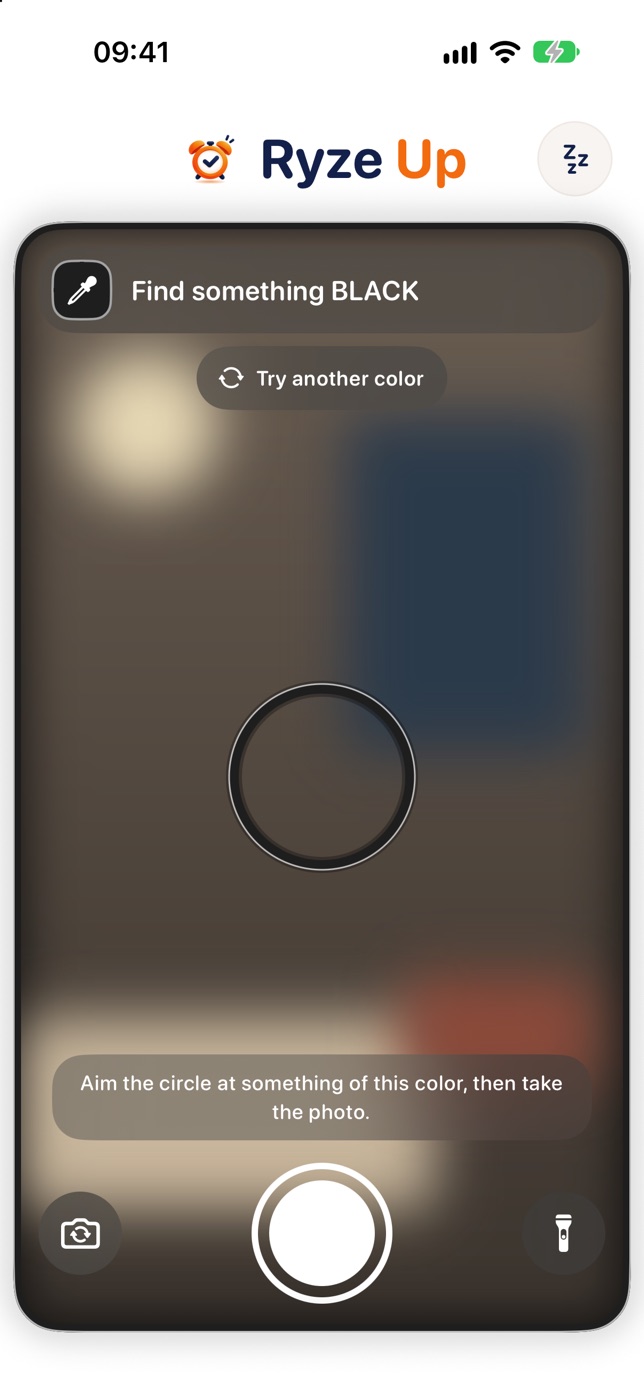
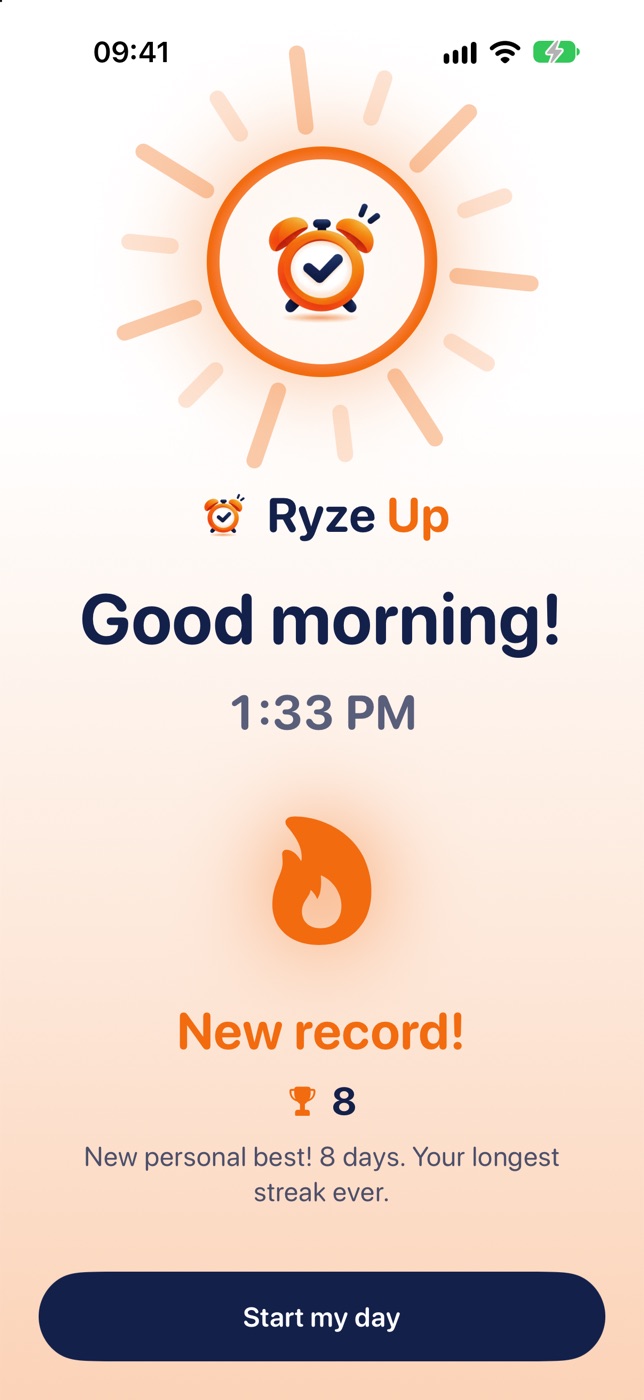
Mission done, alarm off, and you are already up and moving. Your streak and badges track the mornings you win.
Missions
A different small challenge for every kind of morning.
Prop your phone up facing you and do a few reps. The camera counts the ones with proper form, on your device.
Uses cameraMake it, then take a photo. The app checks the photo for a bed that looks made.
Uses cameraYou get a color. Find something that matches and show it.
Uses cameraFind a random everyday object and show it to the camera.
Uses cameraHead to a window or step outside and snap the morning sky.
Uses cameraWalk a set number of steps, counted by your iPhone’s motion sensors.
Uses motionThe app picks one of the missions above for each wake-up.
VariesJust tap to stop the alarm, for the days you need a simple one.
No cameraCamera not available or not allowed? A short Math challenge is offered as a fallback, so a camera problem does not leave you stuck.
Why it works
Ryze Up is built on a few simple, everyday ideas.
Standing up, walking around or doing a few reps is a more active start than just silencing a phone.
Looking for a color, an object or the sky can send you across the room or to a window, away from the pillow.
Finishing one small thing first thing makes the day feel started. Streaks and badges help you keep going.
Daily lines
Add the Ryze Up widget to your Lock Screen and start each day with one short line, chosen from the collection inside the app.
Privacy
Your mornings are yours. Here is what we do not do.
It runs only during a mission. Images are processed on your device and are never stored or sent anywhere.
No sign-up, no email, no password. Open the app and set your alarm.
We do not show ads or track you across other apps. Anonymous analytics are optional and off until you say yes.
FAQ
No. Alarms are scheduled with Apple’s AlarmKit, so they can ring on the Lock Screen without the app staying open. Phones can still fail, for example with a dead battery, so for anything critical add a backup alarm.
Use good light, hold the phone steady and show the object or color in the centre of the frame. After a few tries the app offers a simple Math challenge instead.
No. There is no sign-in. Your alarms, history and settings stay on your device.
Open iPhone Settings, tap your name, then Subscriptions, choose Ryze Up and tap Cancel. To restore a purchase, tap Restore purchases in the app. Alarms you have already scheduled keep ringing if a subscription ends.
English, Turkish, Spanish, Portuguese (Brazil) and French. You can change it in Settings.
More answers on the support page.
Ryze Up is coming soon to the App Store.
Coming soon on the App Store support@ryzeupapp.com